

Fast. Really fast.
The launcher opens in a blink, your library is there right away, and while you play it stays completely out of your way.
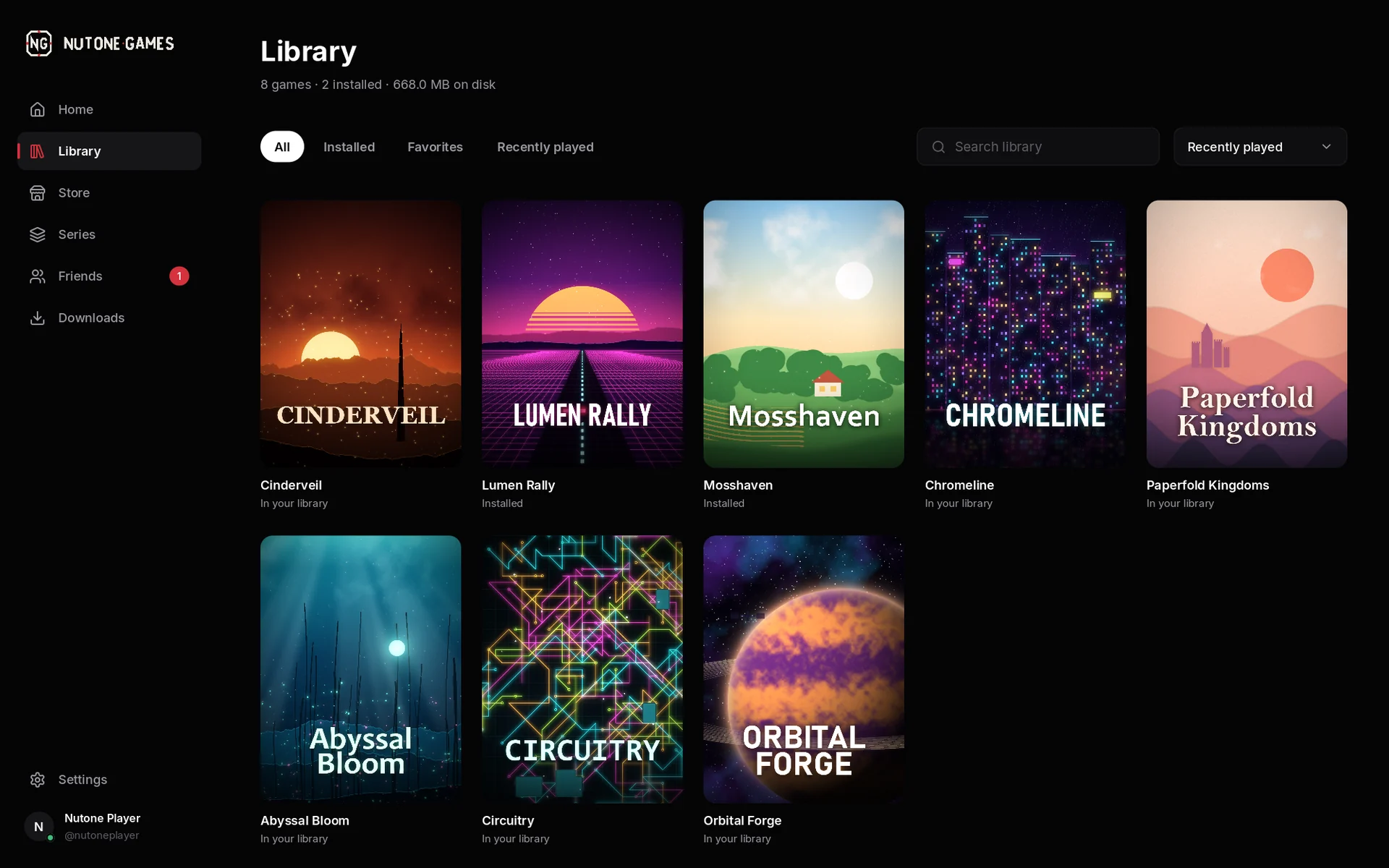
Your games, friends, achievements and saves — in one fast, beautiful launcher that is ready before you are.
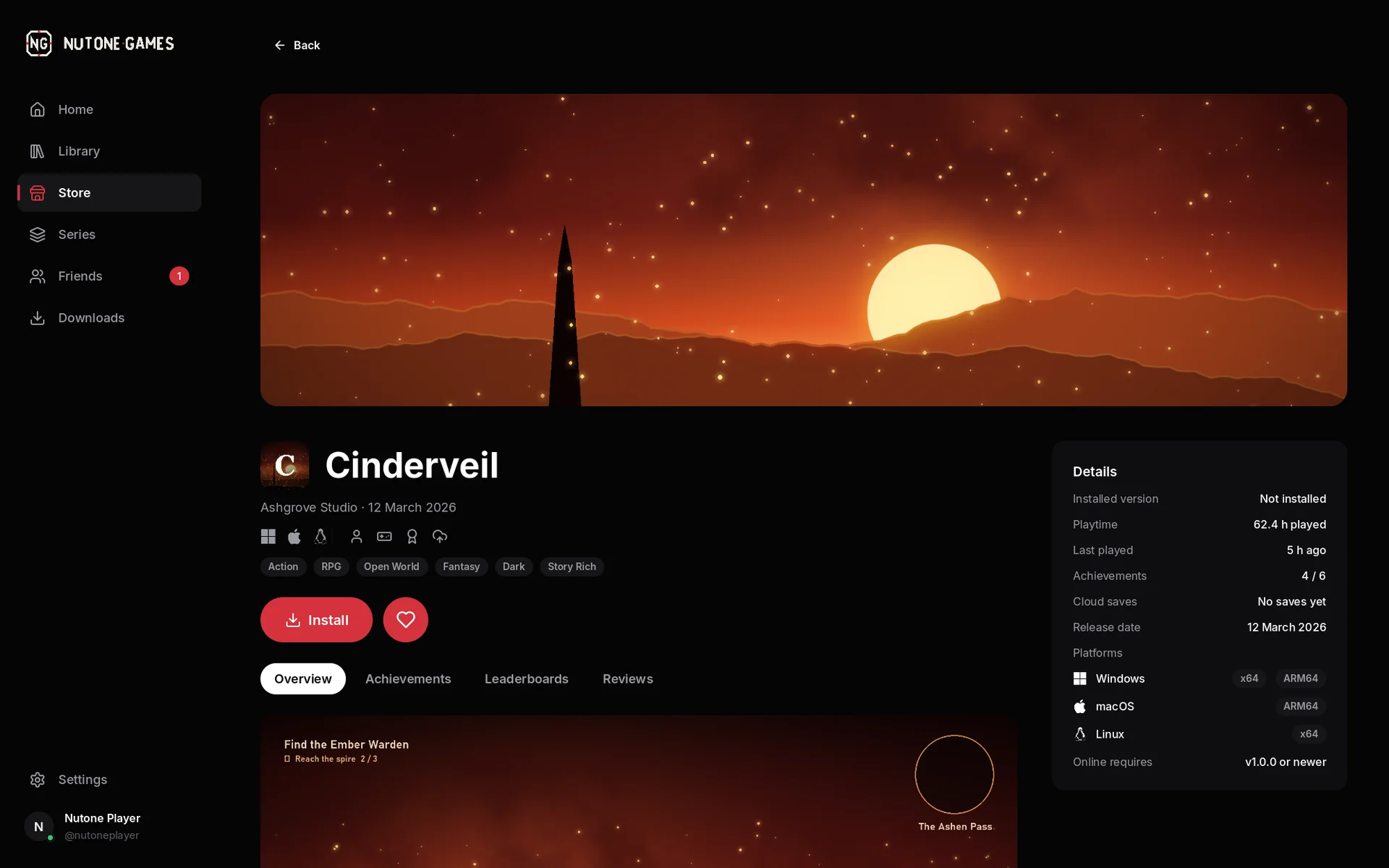
Screens show sample content.
No waiting, no clutter, no ads. Your library is there the moment the launcher opens, and while you play it stays quietly out of your way.
Home. Pick up where you left off: your last game, your playtime and your latest achievements, there the moment you open it.
Screens show sample content.
The launcher opens in a blink, your library is there right away, and while you play it stays completely out of your way.
One interface for your desk and your TV. Every screen works with a gamepad, text fields open an on-screen keyboard, and the whole interface scales from laptop to living room.
Every game is checked before it is installed. A broken or tampered download never reaches your library.
Updates only download what actually changed. Pause, resume or keep playing — the launcher picks up where it left off.
See who is online and what they are playing, send invites and friend requests, and get notified instantly. Want some quiet? Appear offline with one click.
Sign in with a passkey or add two-factor authentication. See every device that is signed in and sign any of them out. Games never see your password.
Unlock achievements, climb global and friends leaderboards and earn your rating — in every game, on one profile.
Your progress follows you. Play on your desktop tonight and continue on your laptop tomorrow.
Plug your computer into the TV, grab a controller and lean back — the launcher feels at home on the couch.
Plug in a controller and the whole launcher follows. Text fields open an on-screen keyboard, focus moves where you expect, and the interface scales for a TV across the room.
And of course: everything works with a mouse.
We are putting the finishing touches on the first public release. Downloads appear here the moment they are published.
Nothing. The launcher and a Nutone Games account are free. You only pay for the games you choose to buy.
Windows 10 and 11, macOS and Linux. Downloads for each system appear here as soon as they are available.
You need a Nutone Games account to buy games, sync saves and play online. You can create one here on the website or inside the launcher — it is the same account.
Yes. You can sign in with a passkey, add an authenticator app for two-factor authentication, and see every signed-in device in your account — and sign any of them out at any time.
Every game is checked before it is installed. If a download is broken or has been tampered with, it is simply not installed.
Yes. Every screen works with mouse, keyboard or controller: D-pad to move, A to select, B to go back, LB/RB to switch sections and an on-screen keyboard for text.